Performing a Job | VIAVI StrataSync
1:15
Description
Related Videos
Once you have been assigned a job, follow the simple steps in this video to receive the job information and perform the required tests, then transmit the results.
View More
View Less
Related Videos
In Fiber
-
Play video VIAVI Is Redefining Tier 1 Testing
VIAVI Is Redefining Tier 1 Testing
High‑density fiber. One shot to get it right. Old tools can’t keep up. A breakthrough tester is coming: one cord, 24 fibers, zero doubt. Watch the teaser and get ready to redefine Tier 1 testing.
0:42
-
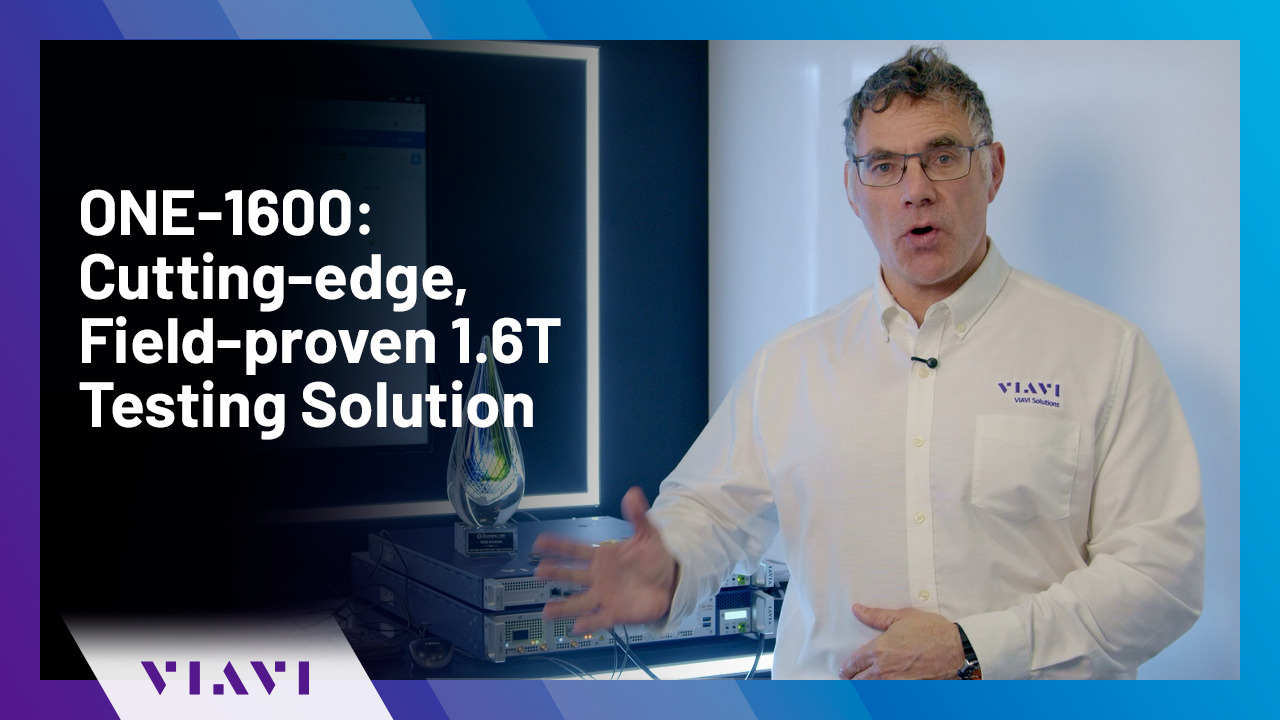
Play video ONE-1600: Cutting-edge, Field-proven 1.6T Testing Solution
ONE-1600: Cutting-edge, Field-proven 1.6T Testing Solution
Paul Brooks, from VIAVI, presents the VIAVI ONE-1600, a cutting-edge 1.6 Tb/s solution that has been proven in the field.
1:17
-
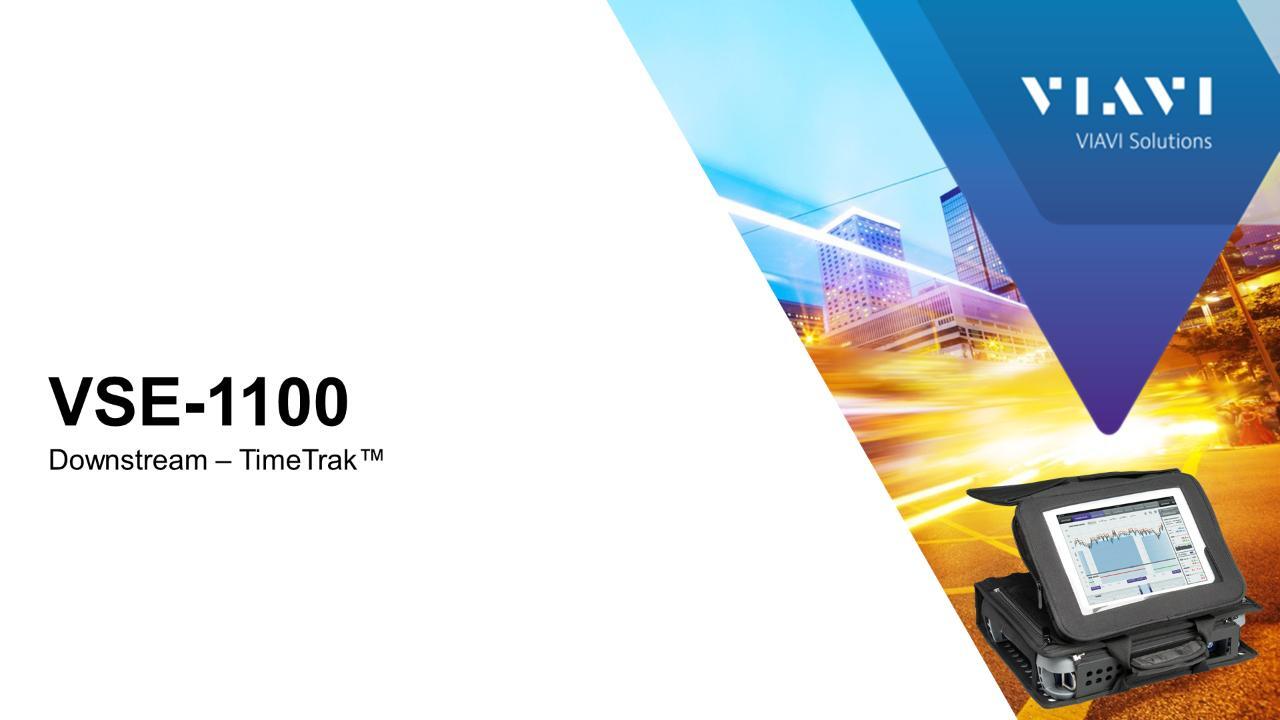
Play video VIAVI VSE-1100: Downstream – TimeTrak™
VIAVI VSE-1100: Downstream – TimeTrak™
Learn how to use TimeTrak, a unique strip chart that shows level, MER, DQI and events.
0:42
-
Play video Fiber Microscope For Fiber Inspections. Auto Test Demonstration
Fiber Microscope For Fiber Inspections. Auto Test Demonstration
FiberChek Auto Test Demonstration
2:04
-
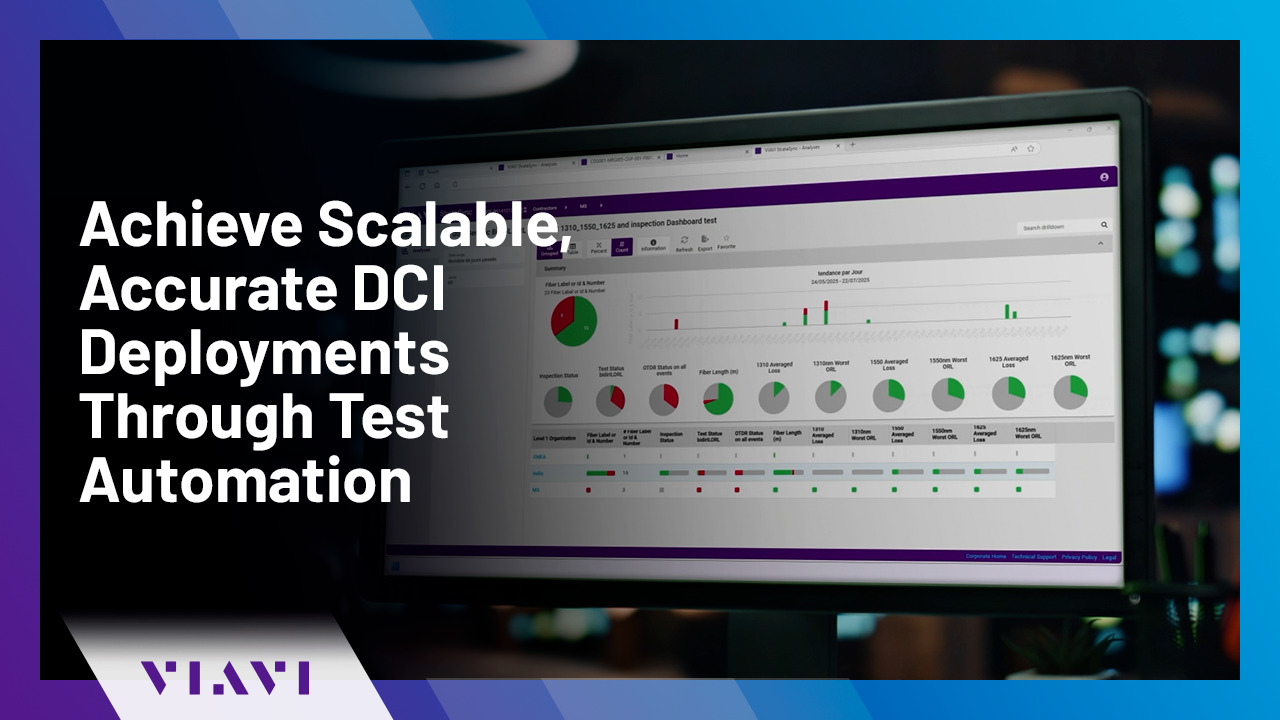
Play video Achieve Scalable, Accurate DCI Deployments Through Test Automation
Achieve Scalable, Accurate DCI Deployments Through Test Automation
Discover how VIAVI’s test automation solution—featuring integrated bidirectional OTDR and CD/PMD testing—streamlines Data Center Interconnect jobs by automating fiber inspection, testing, reporting, and analysis for faster, right-first-time deploymen
2:25
-
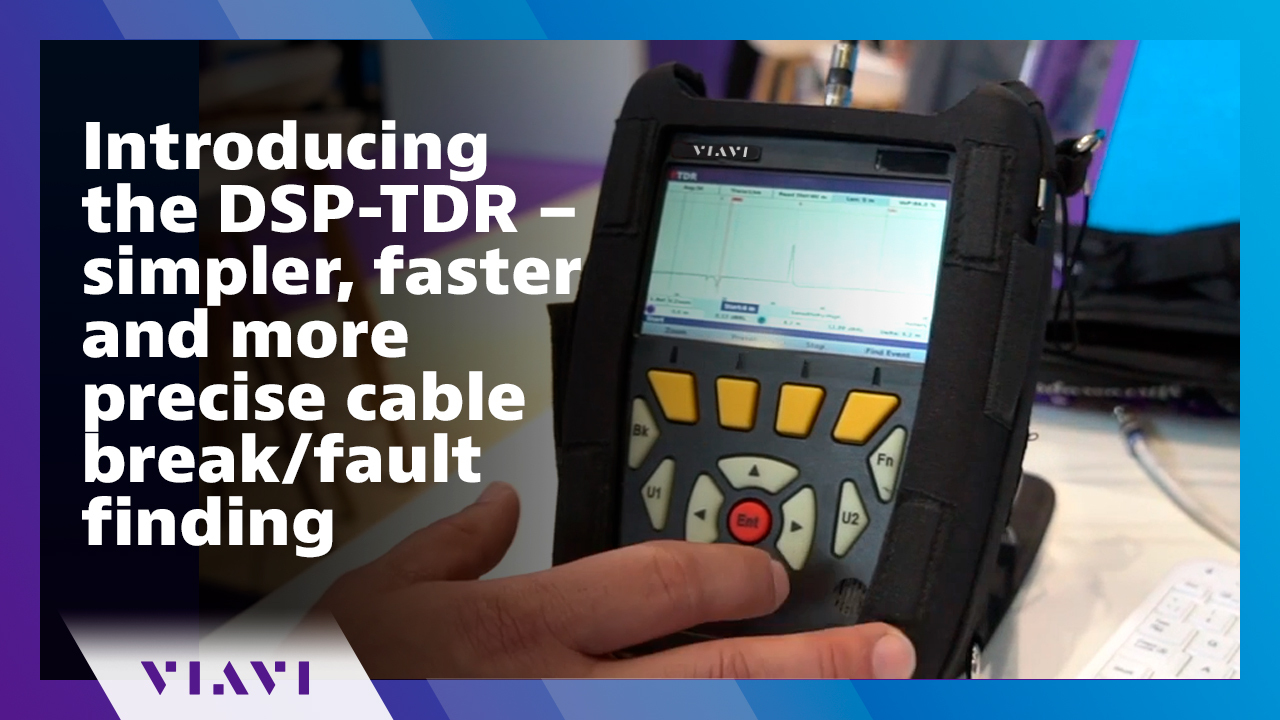
Play video Introducing the DSP-TDR – simpler, faster and more precise cable break/fault finding
Introducing the DSP-TDR – simpler, faster and more precise cable break/fault finding
TDR technology is now refreshed with the new DSP-TDR from VIAVI. This video provides an overview of improved test resolution, ease of use, and timely management of test data to resolve issues promptly.
2:01